
Sign PDFs with your own signature.
Turn a handwritten signature into a clean, transparent image. Save it once, reuse it whenever you need, and add it to PDFs—all from your Android device.
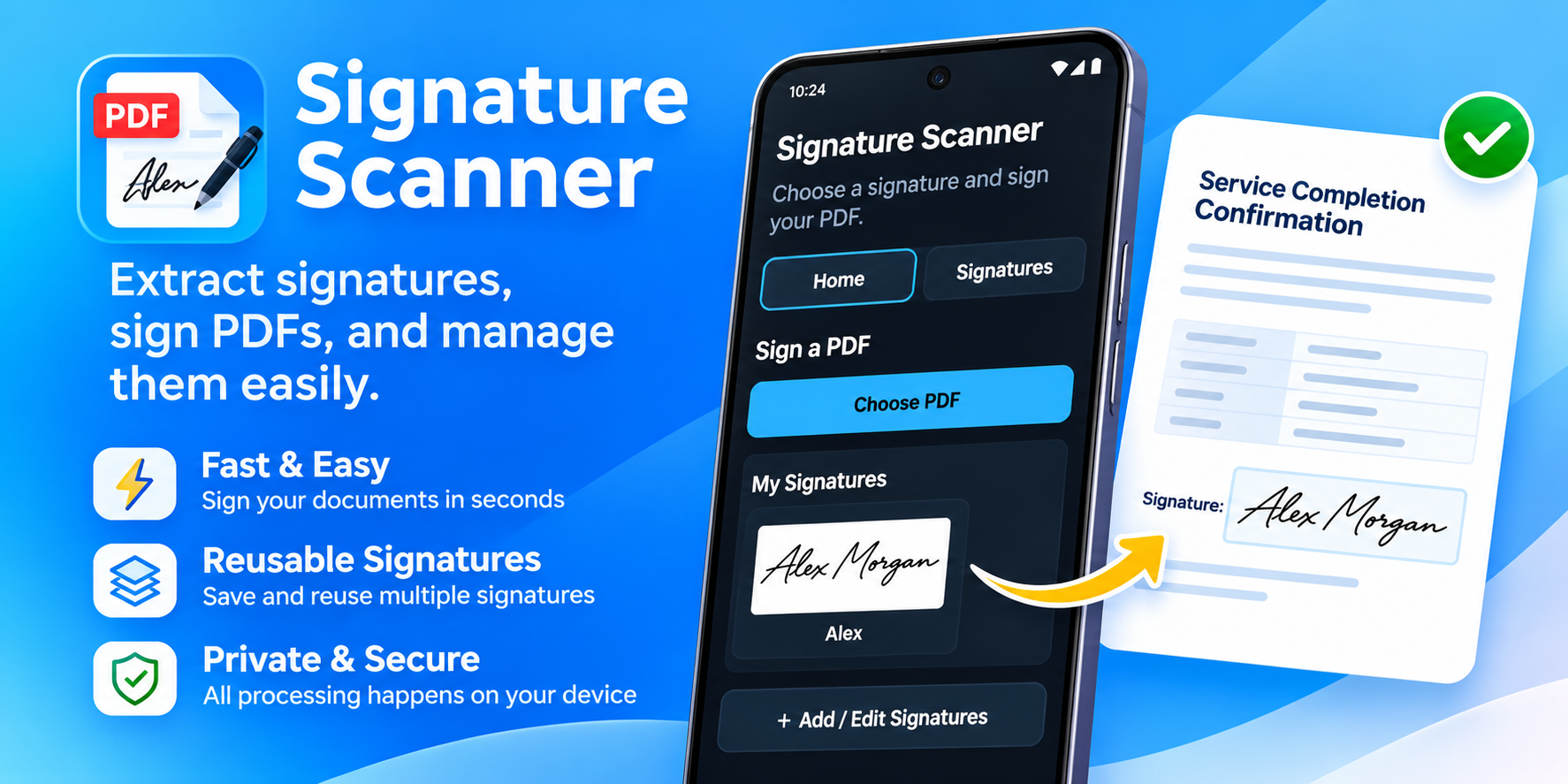
Extract a clean signature
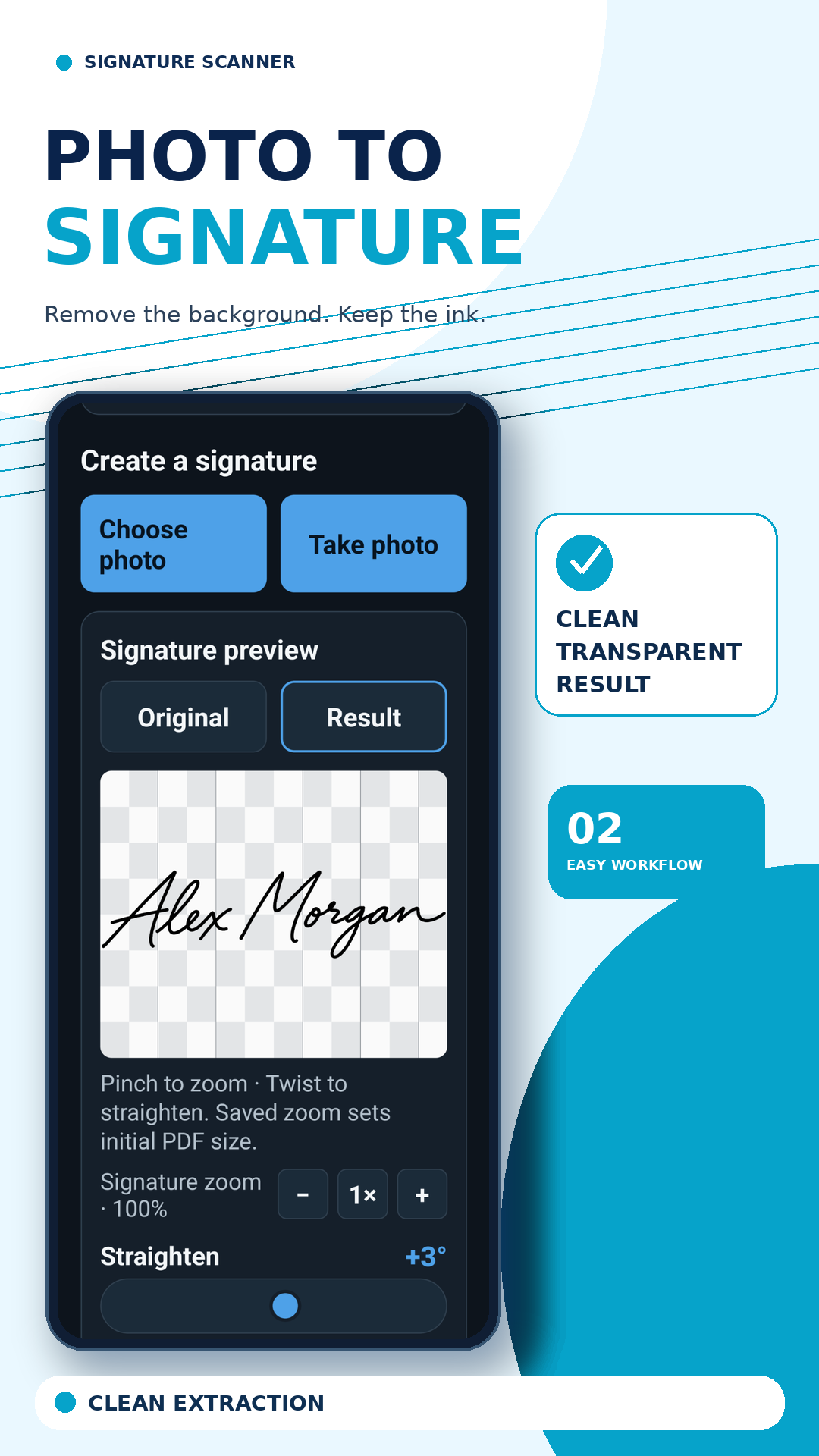
Take a photo or choose an image, remove the paper background, and fine-tune the result.
Save multiple signatures
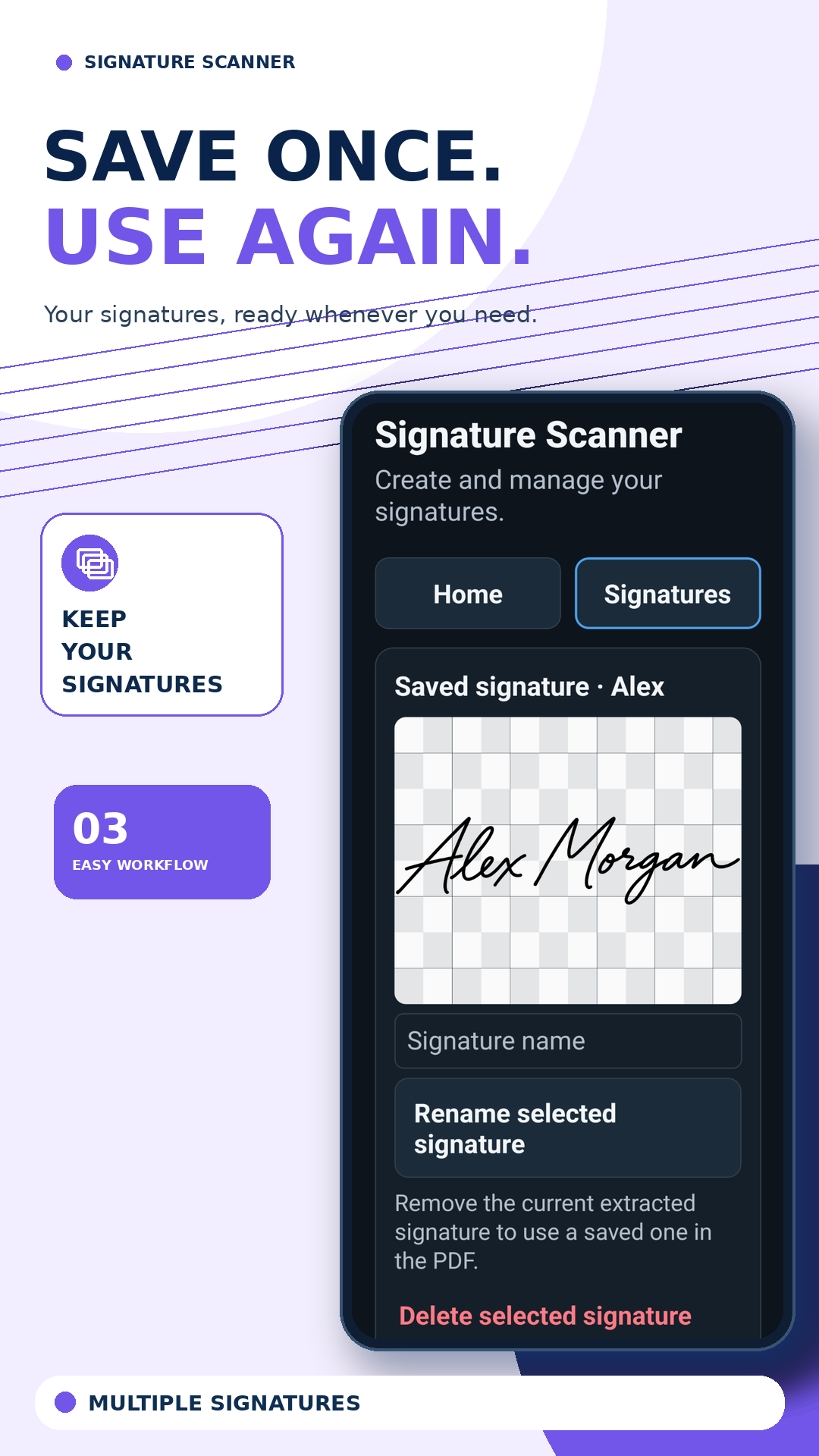
Name, manage, and reuse signatures without recreating them each time.
Place signatures on PDFs
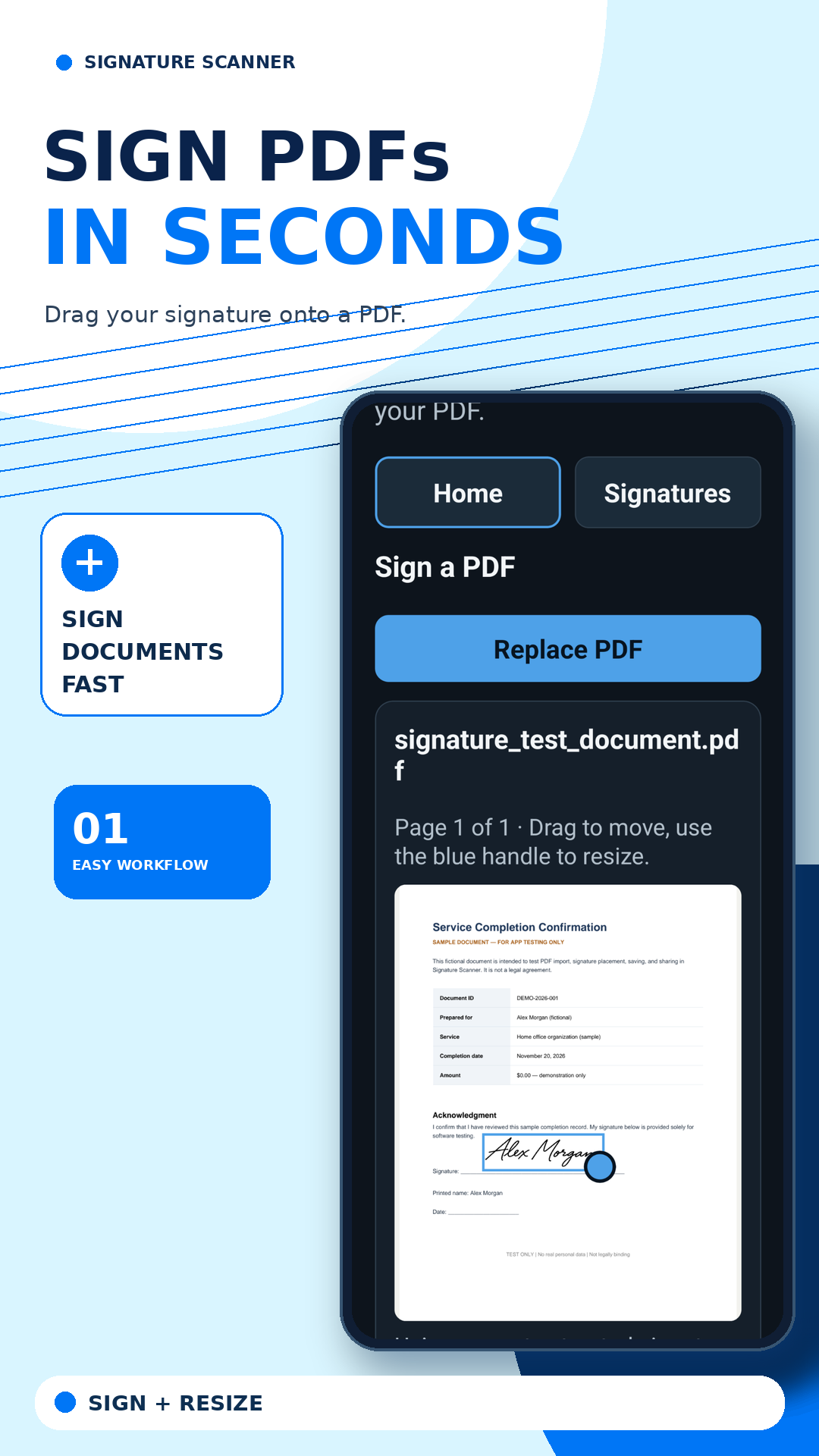
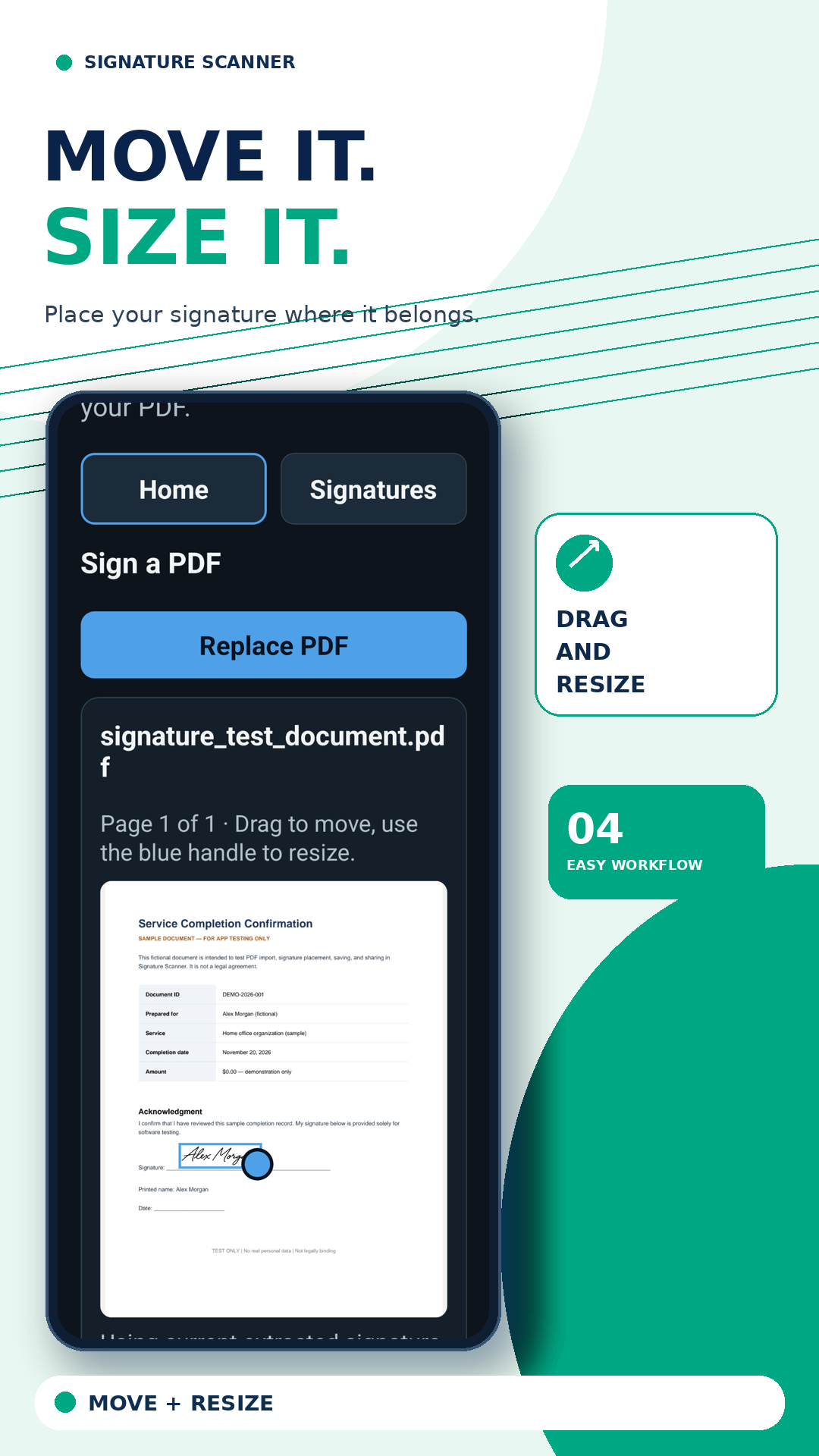
Import a PDF, move and resize your signature, and preview its placement.
Save or share signed PDFs
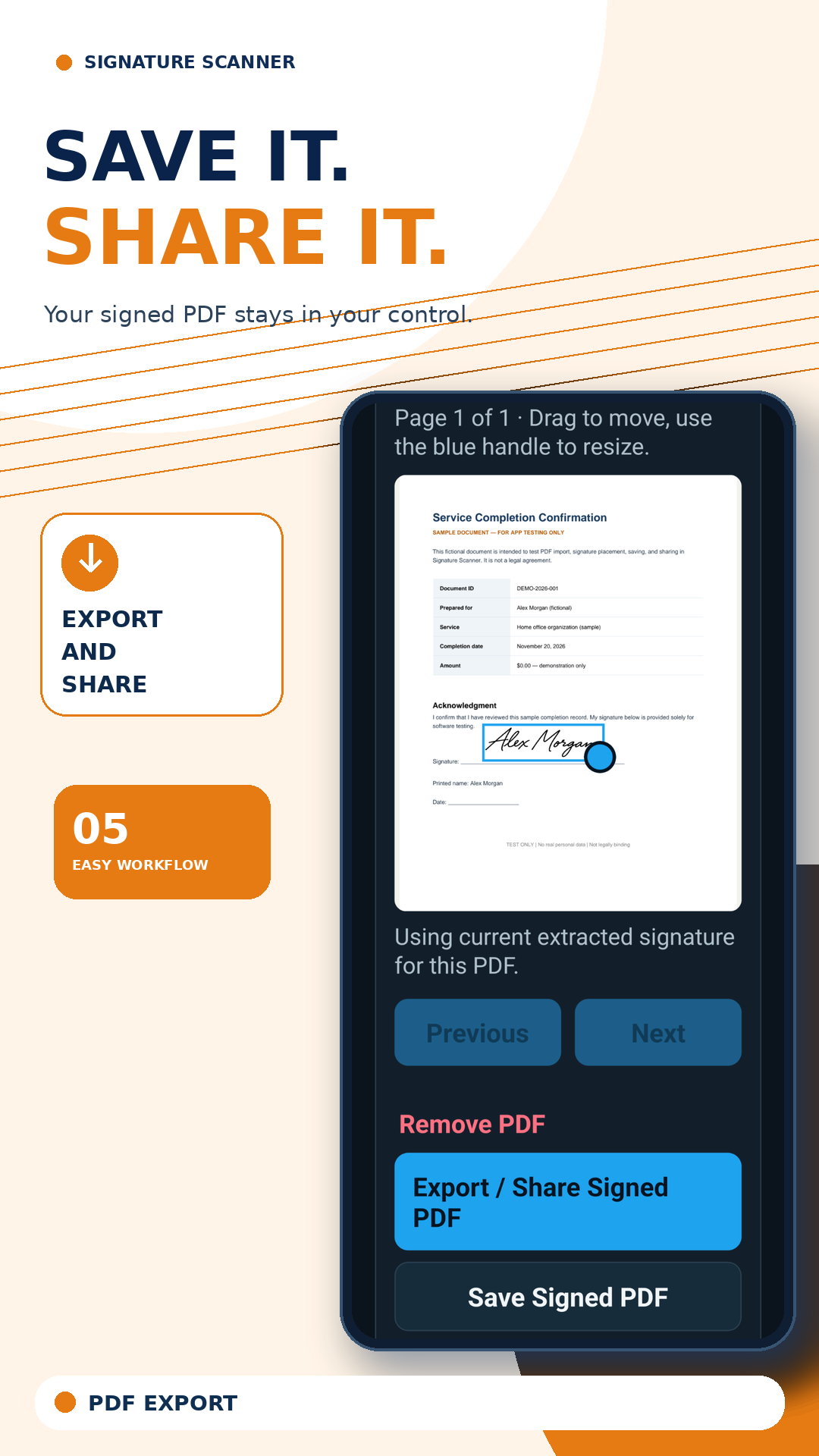
Export a signed copy to your chosen location or share it using Android's system share sheet.
See Signature Scanner in action
Documents stay on your device
Your signature images, saved signature names, and PDF contents are processed locally and are not uploaded to our servers. The app sends limited pseudonymous usage analytics over HTTPS; see our Privacy Policy for details.
Available now on Google Play. The first version is free, with no account required. Get Signature Scanner on Google Play.